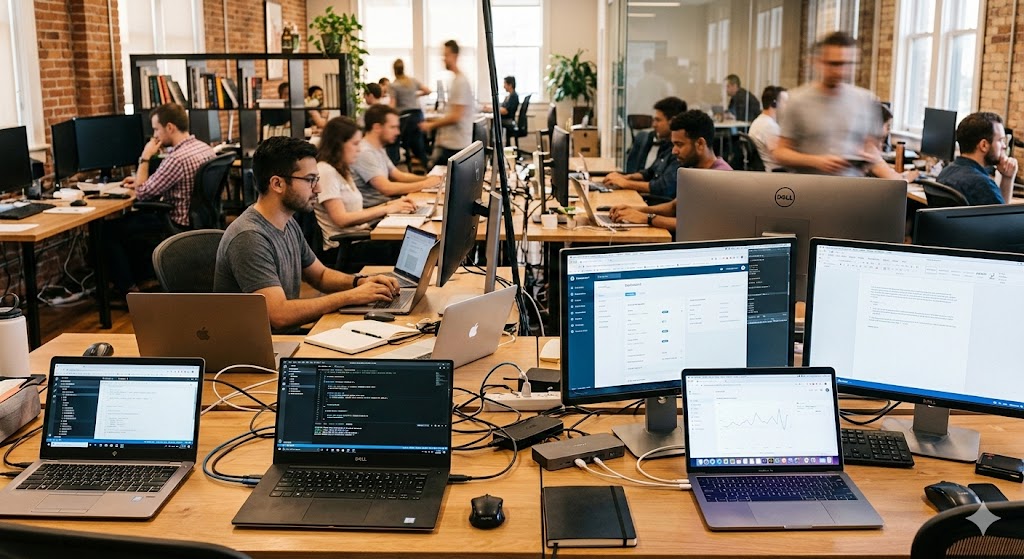
About Basic Computer training in Ratlam
Basic Computer knowledge is essential in today’s digital world. The Basic Computer Training Course covers all fundamental computer concepts required for daily work and job opportunities. Even for entry-level jobs, basic computer skills are highly important.
Appin Ratlam Computer Training Institute is one of the best institutes for Basic Computer training in Ratlam. At our computer classes, we ensure 80% practical sessions so students can easily understand and clear their concepts. Appin Ratlam Computer Institute is equipped with the latest technologies and highly qualified faculty to provide quality education and skill-based learning.
Benefits to Learn Basic Computer Course from Appin Ratlam Computer Training Institute
- Smart Classes to make sure you learn smartly
- Practical approach but no topics skipped in theory part also
- 6-7 Students per batch to make sure you get proper attention
- Free notes and other Study Material
- Free Interview Tips
- Minimum Course Fee to make it affordable for everyone
- Class tests and Practice sessions on regular interval
- Industry Recorganized Certificate
Syllabus
Basic Computer Course (Beginner)
Practical Basic Computer Course in Ratlam covering hardware, MS Office (Word, Excel, PowerPoint, Access), internet & email, and Hindi & English typing. Click each topic to view details.
🖥️Basic Hardware & Software
- Identify PC/Laptop components, input & output devices
- Understand motherboard, CPU, RAM, storage, OS vs applications
- Basic troubleshooting and maintenance tips
📁File & Folder Creation
- Create, rename, move, copy, delete files & folders
- Folder organization best practices and shortcuts
- Using File Explorer efficiently
👤Account Creation & User Accounts
- Create local and email accounts
- User roles: admin vs standard user
- Password policies and basic account security
⚙️Working with System Properties & Control Panel
- View system info, device manager, performance settings
- Control Panel modules: network, display, printers, date/time
- Personalization and accessibility settings
💿Software Installation & Updates
- Install/uninstall applications and drivers
- Windows updates and safe-install practices
- Using portable apps and trusted sources
🌐Working with Internet & Email Account Creation
- Web browsers, tabs, bookmarks, downloads
- Internet safety, secure browsing, basic privacy tips
- Create and manage Gmail/Outlook accounts, send/receive attachments
📝Microsoft Word (Document Skills)
- Document creation, formatting, headers & footers
- Tables, images, styles, and saving/exporting to PDF
- Resume and letter templates
📊Microsoft Excel (Sheets & Formulas)
- Data entry, basic formulas, SUM/AVERAGE, cell formatting
- Charts, sorting, filtering, and basic pivot tables
- Simple finance & data tasks for office use
📽️Microsoft PowerPoint (Presentations)
- Create slides, apply themes, transitions & animations
- Presenter view, slide timings, export options
- Design tips for professional presentations
🗃️Microsoft Access (Basic Database)
- Tables, forms, queries and simple reports
- Relational concepts and basic use-cases
- Use Access for small office databases
⌨️Hindi Typing
- Typing practice with Mangal/Kruti Dev layout
- Speed & accuracy exercises, common shortcuts
- Practical typing tests and progress tracking
✍️English Typing
- Touch-typing techniques and home-row practice
- Speed-building drills and accuracy improvement
- Online typing tests & certification readiness
For a detailed topic-by-topic syllabus, demo class, fee structure, or batch timings — please call or WhatsApp us at:
Keywords: Basic Computer Course, computer classes in Ratlam, MS Office training, typing course, internet & email training.
How To Enroll?
Your Satisfaction is our top priority and we make sure you are satisfied from our services hence we are always happy to provide you 3 days free demo classes here are the details to enroll
To enroll for Basic Computer course you can schedule your free demo by Clicking on the contact button below or you can directly call on 9340502977 or just simply walk in and our team will guide you for what is best for you.